CAD basics
Interface, navigation, and engineering design concepts
Programs / 05 pathways
CADReach programs are designed as a progression: begin with fundamentals, build confidence through projects, and apply your skills with care.
PROGRAM ACCESS
Interest openChoose your pathwaySTART HERE
CAD Foundations
Free beginner instruction for people with little or no CAD experience. Exact lessons may vary between AutoCAD and SOLIDWORKS, but every pathway centers on design thinking and deliberate practice.
Interface, navigation, and engineering design concepts
Sketching, dimensions, geometry, and constraints
Extrudes, cuts, fillets, chamfers, and basic 3D modeling
More complex parts and design intent
Assemblies, technical drawings, or software-specific advanced skills
A final independent design project
Workshop curriculum. Session dates and delivery formats are shared through the CADReach interest list.
PRACTICE
CAD Project Lab
After the fundamentals, participants work through guided challenges that add complexity a little at a time.
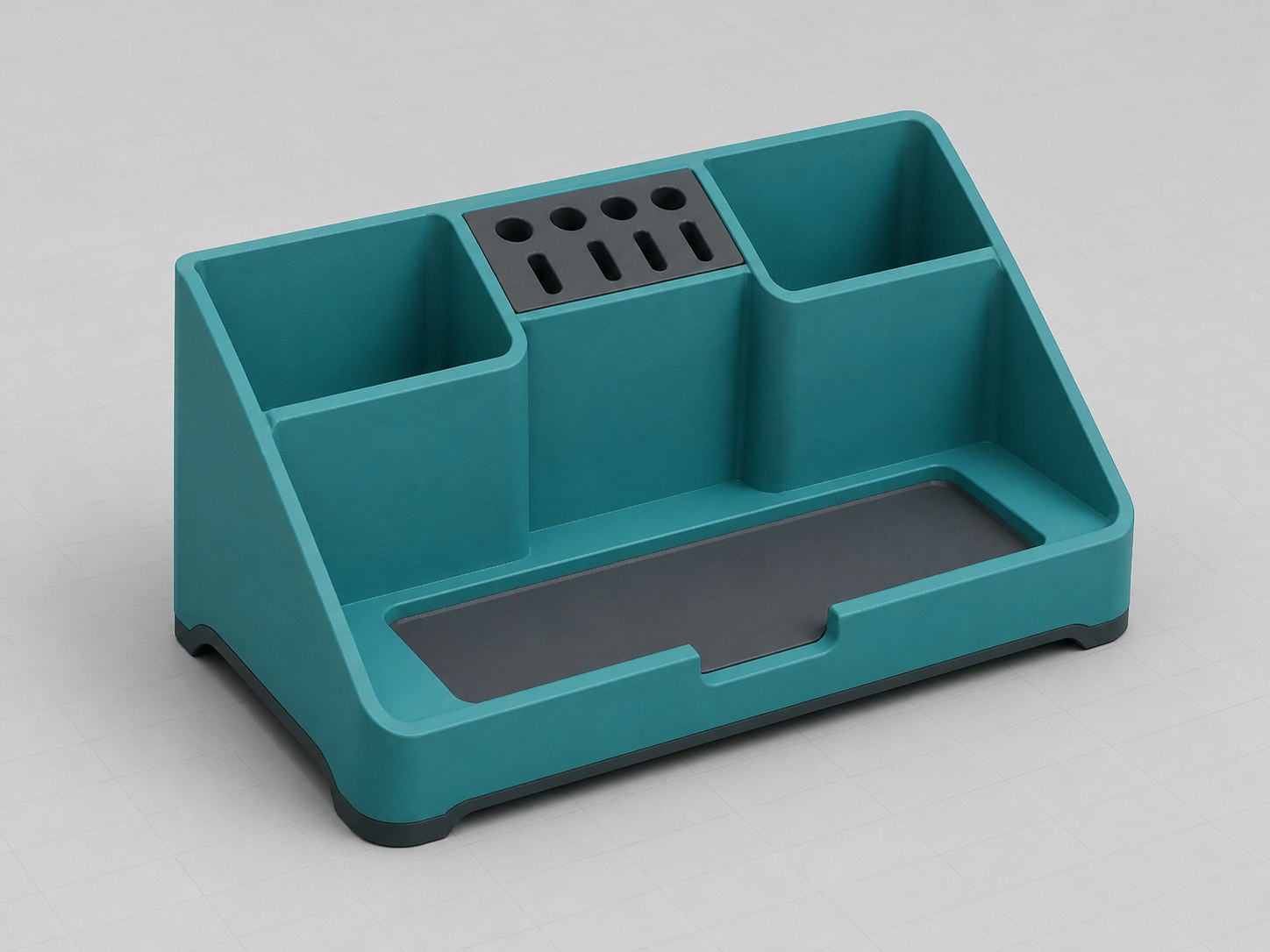
Beginner · single-part model
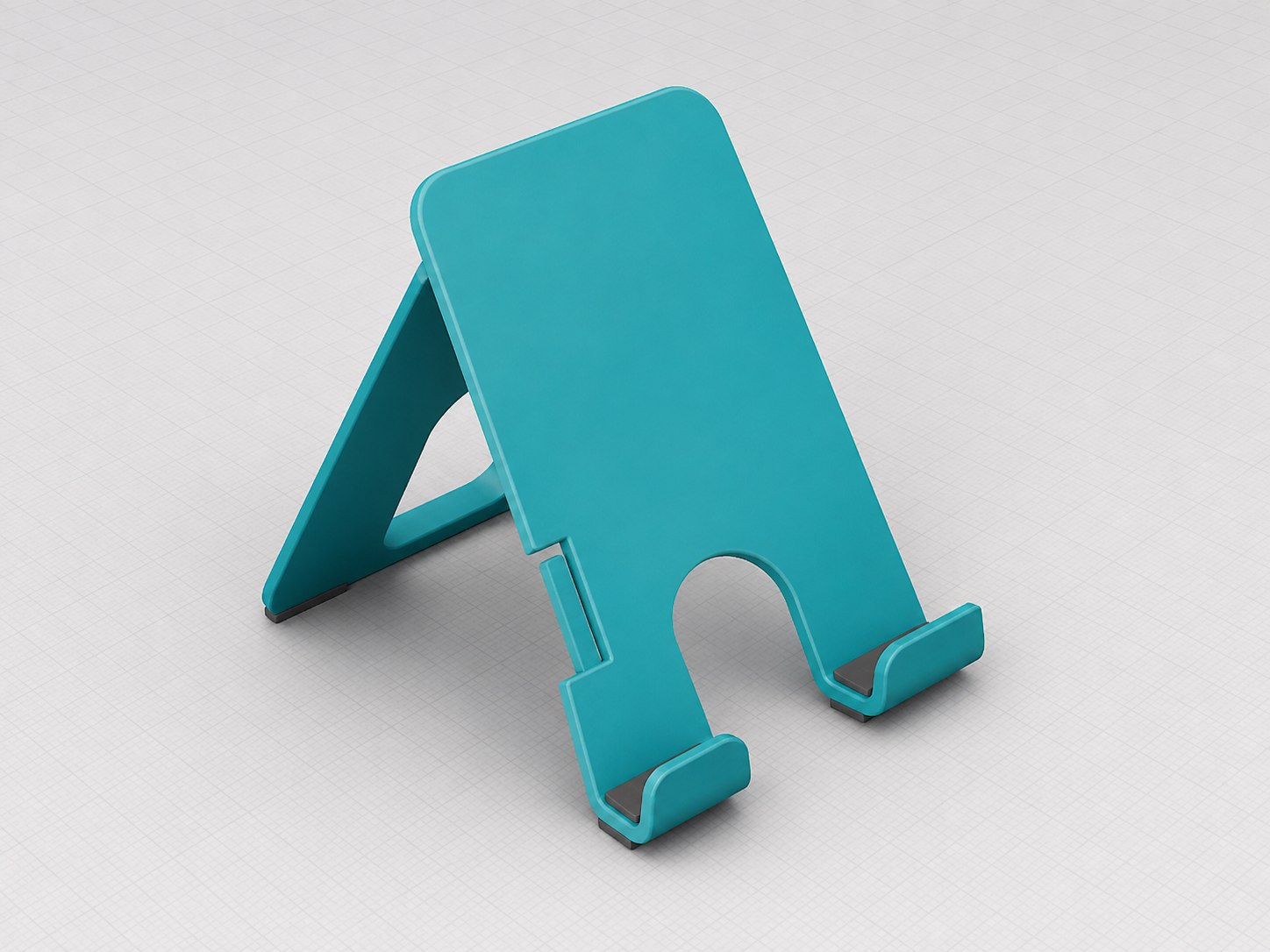
Beginner · two-part assembly
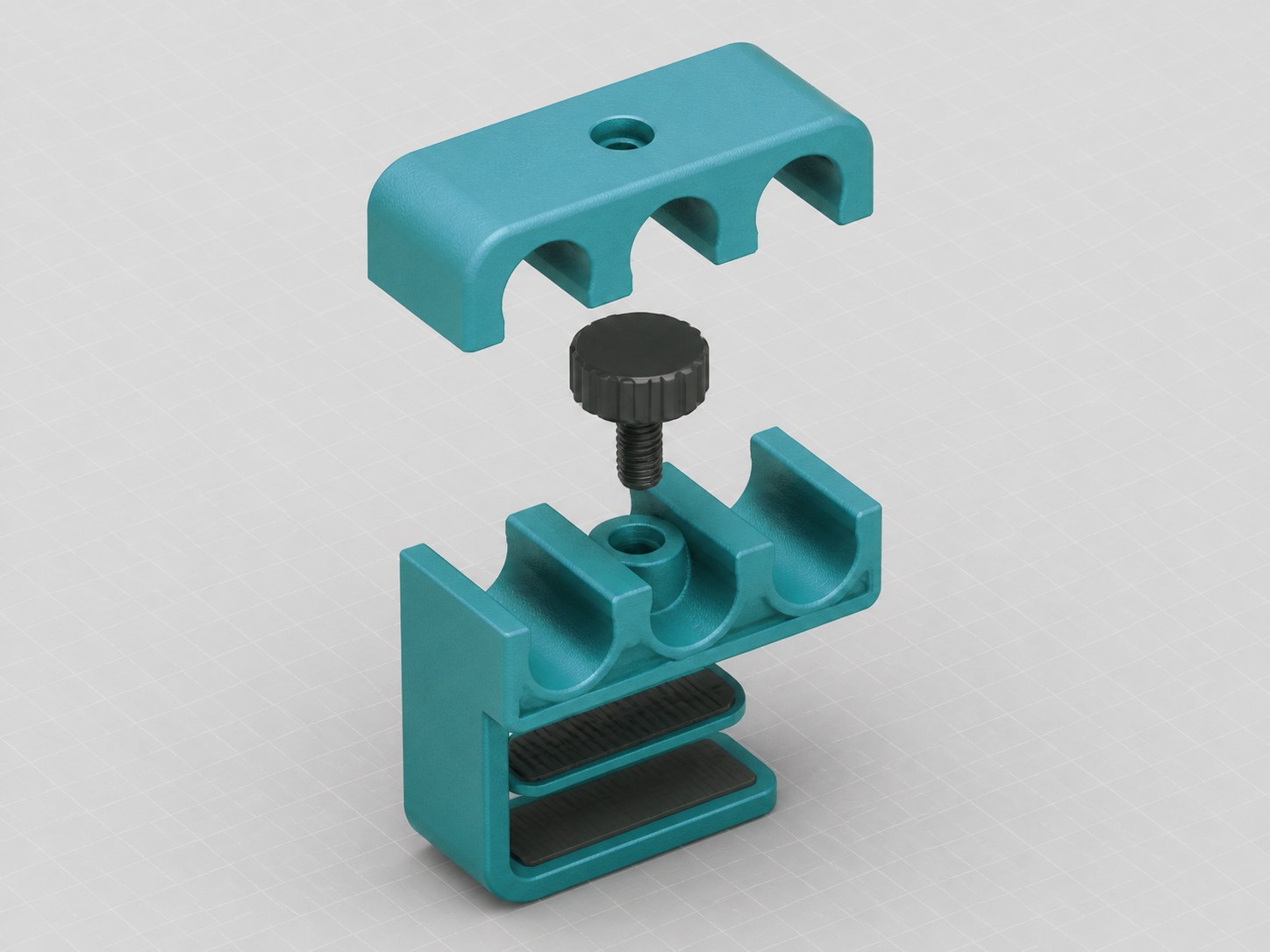
Intermediate · fastener assembly
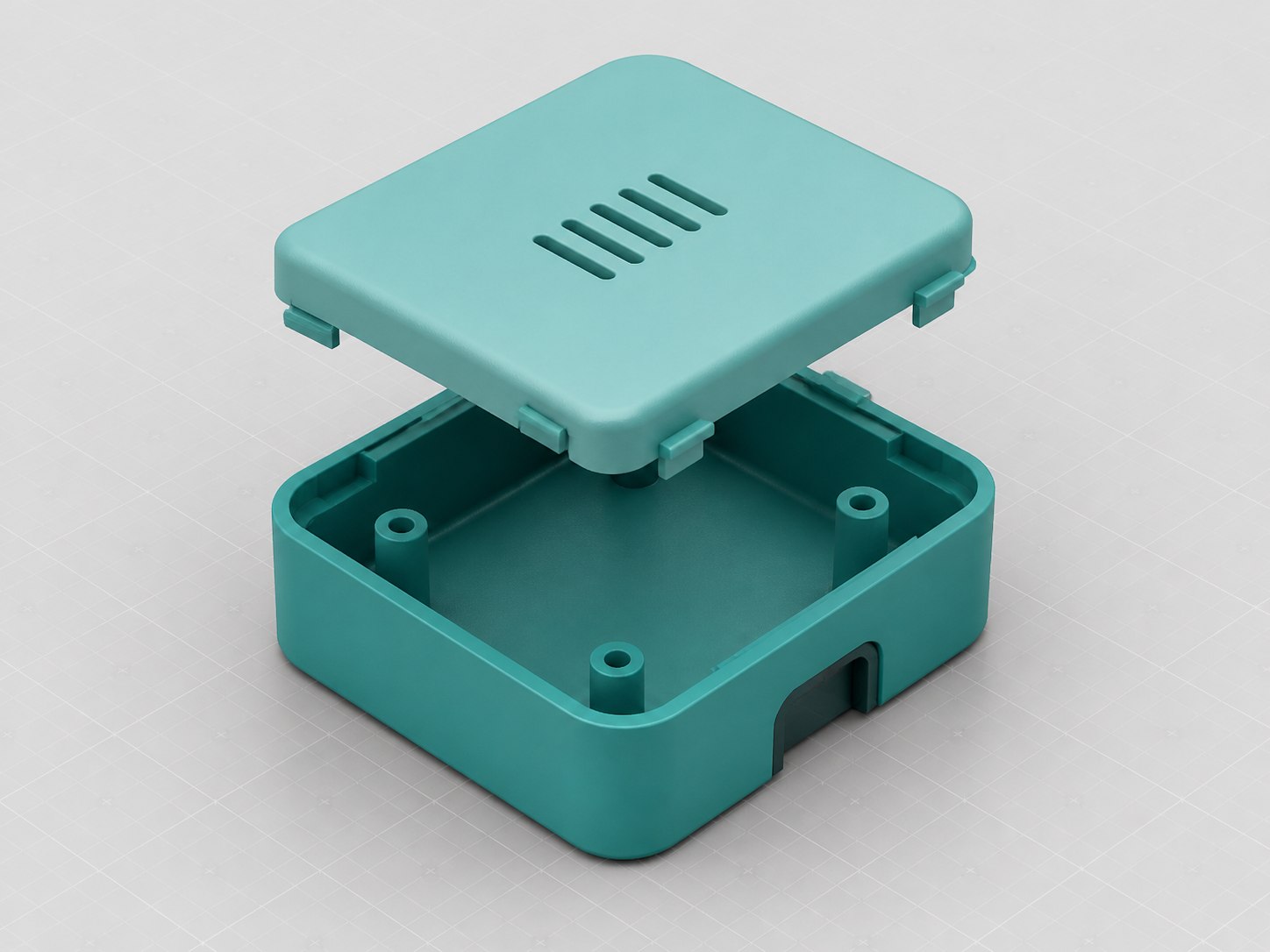
Intermediate · enclosure design
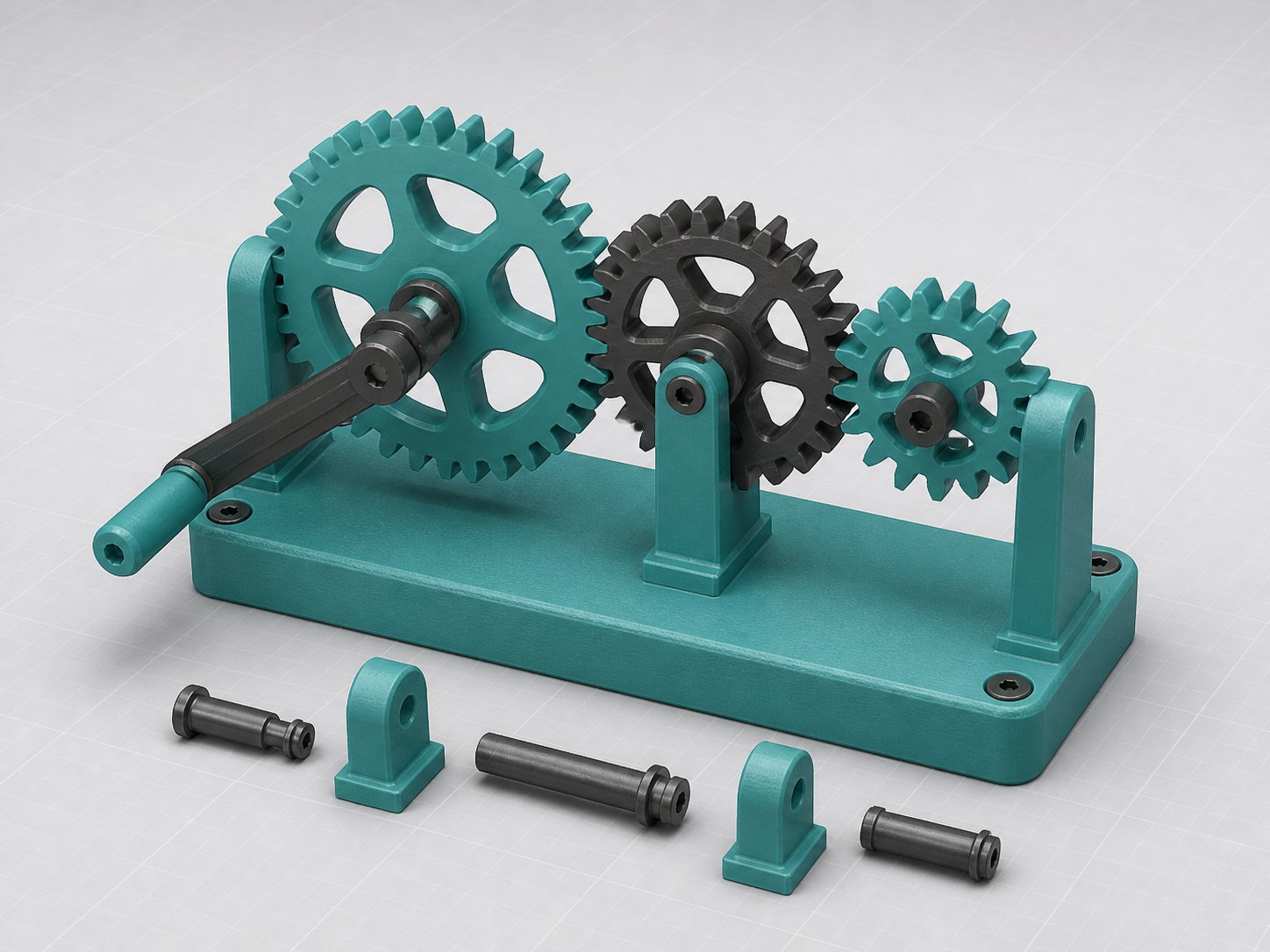
Intermediate · motion study
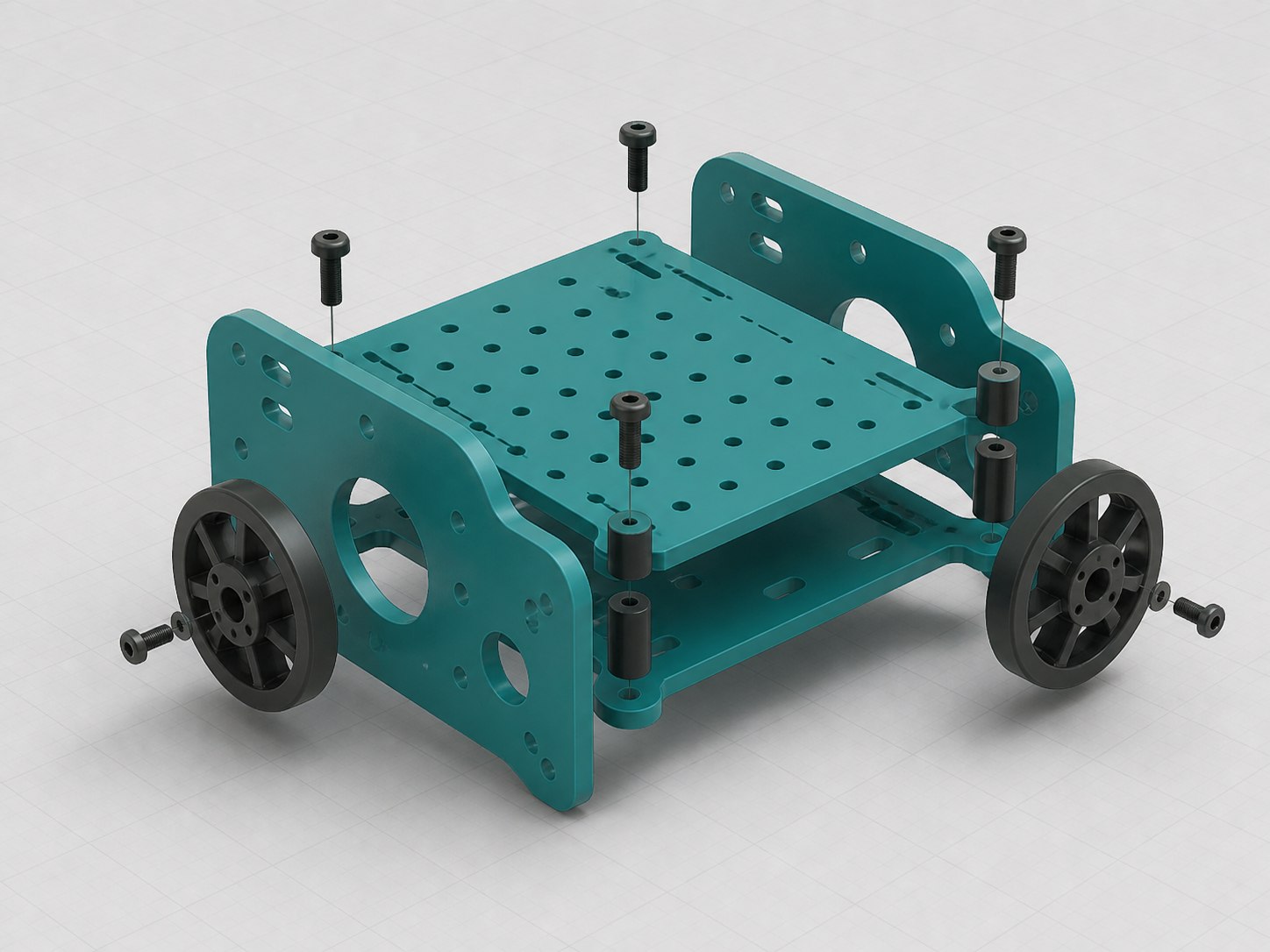
Project · multi-part assembly
Concept preview. These generated examples show the kind of work a Project Lab could include; they are not completed CADReach projects or a fixed project library.
FLAGSHIP PROGRAM
Design for Community
Participant teams can work on appropriate, non-safety-critical problems with community organizations. The goal is not just a CAD file—it is a thoughtful process built around listening, requirements, feedback, and iteration.
Identify
Understand
Sketch
Model
Review
Iterate
Deliver
Engineering integrityCADReach projects are educational and must not be treated as licensed professional engineering services or used for safety-critical applications.
SUPPORT OTHERS
CAD Mentors
More experienced participants and volunteers can help beginners, review models, assist at workshops, and—when ready—help teach sessions.
Help participants navigate the interface, translate prompts into first steps, and build confidence without taking over their work.
Ask clear questions about dimensions, constraints, and feature order, then offer specific revision notes.
Help with setup, troubleshooting, and small-group check-ins while the session lead guides the lesson.
Suggest beginner-friendly exercises, test lesson instructions, and flag steps that need clearer language.
SHOW THE PROCESS
Portfolio Pathway
Participants can organize several completed projects and practice explaining the decisions, revisions, and technical skills behind the final model.
Choose a small set that shows range, growth, and a clear role for each technical skill.
Capture early ideas, version changes, and the reasons a design moved in a new direction.
Explain the goal, constraints, tools used, and most important decision in plain language.
Use consistent views, readable dimensions, and short captions that let the process lead.
CADReach does not guarantee employment, certification, admission, or professional credentials.
Find your path
Tell us whether you want to learn, mentor, or bring a community design need.